Every copy, kept.
Kyiri Clip is the macOS clipboard history you have been missing. It records every text, image, and file you copy, and brings any of them back with one keystroke.
$brew install --cask kyiri/tap/kyiri-clip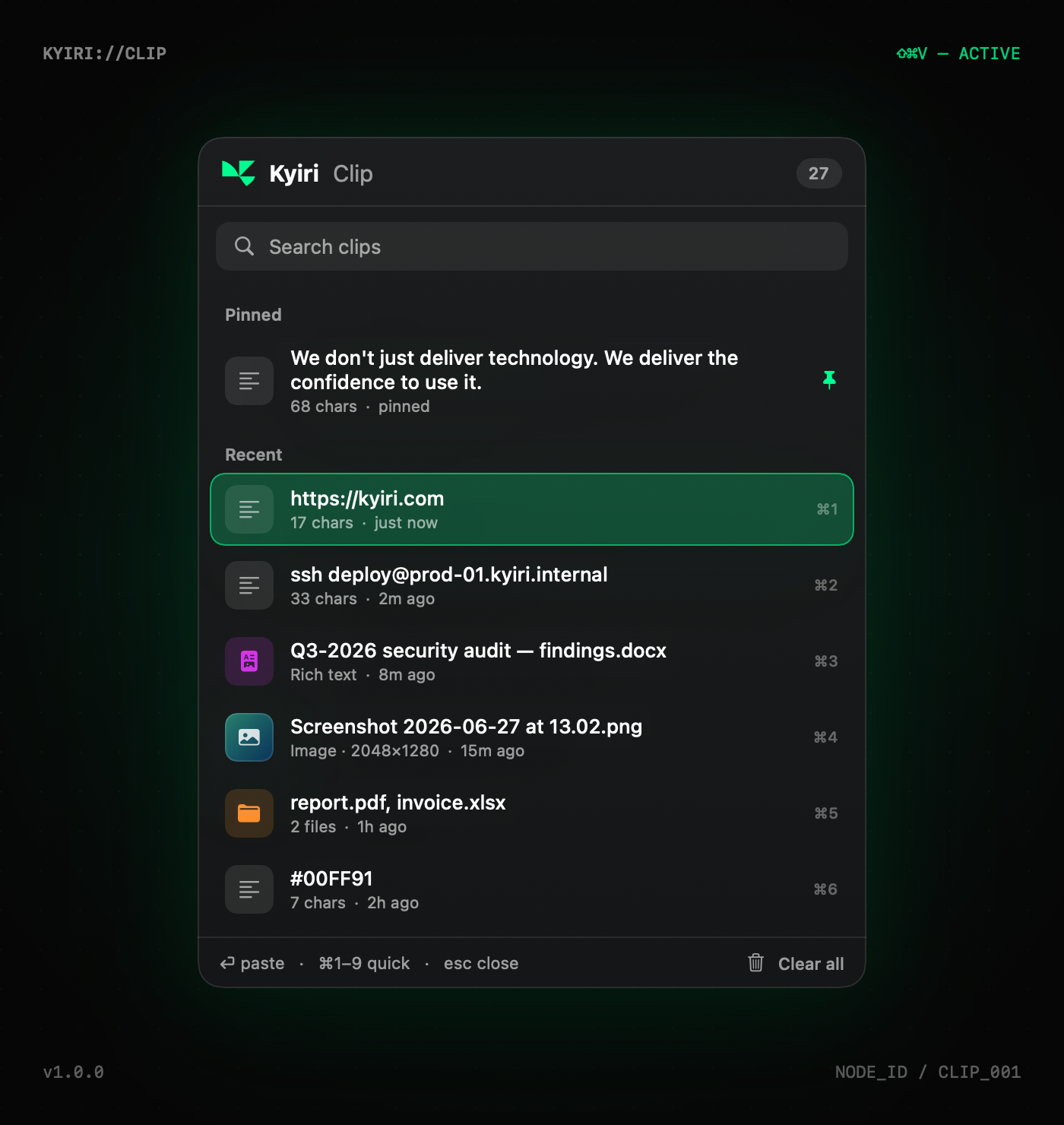
What is Kyiri Clip?
macOS only remembers the last thing you copied. Kyiri Clip remembers all of it. Press ⇧⌘V and the last few hundred items are right there: searchable, pinnable, one tap to paste.
It is a single native Swift app. No browser, no account, no cloud. Your history lives on your Mac and nowhere else.
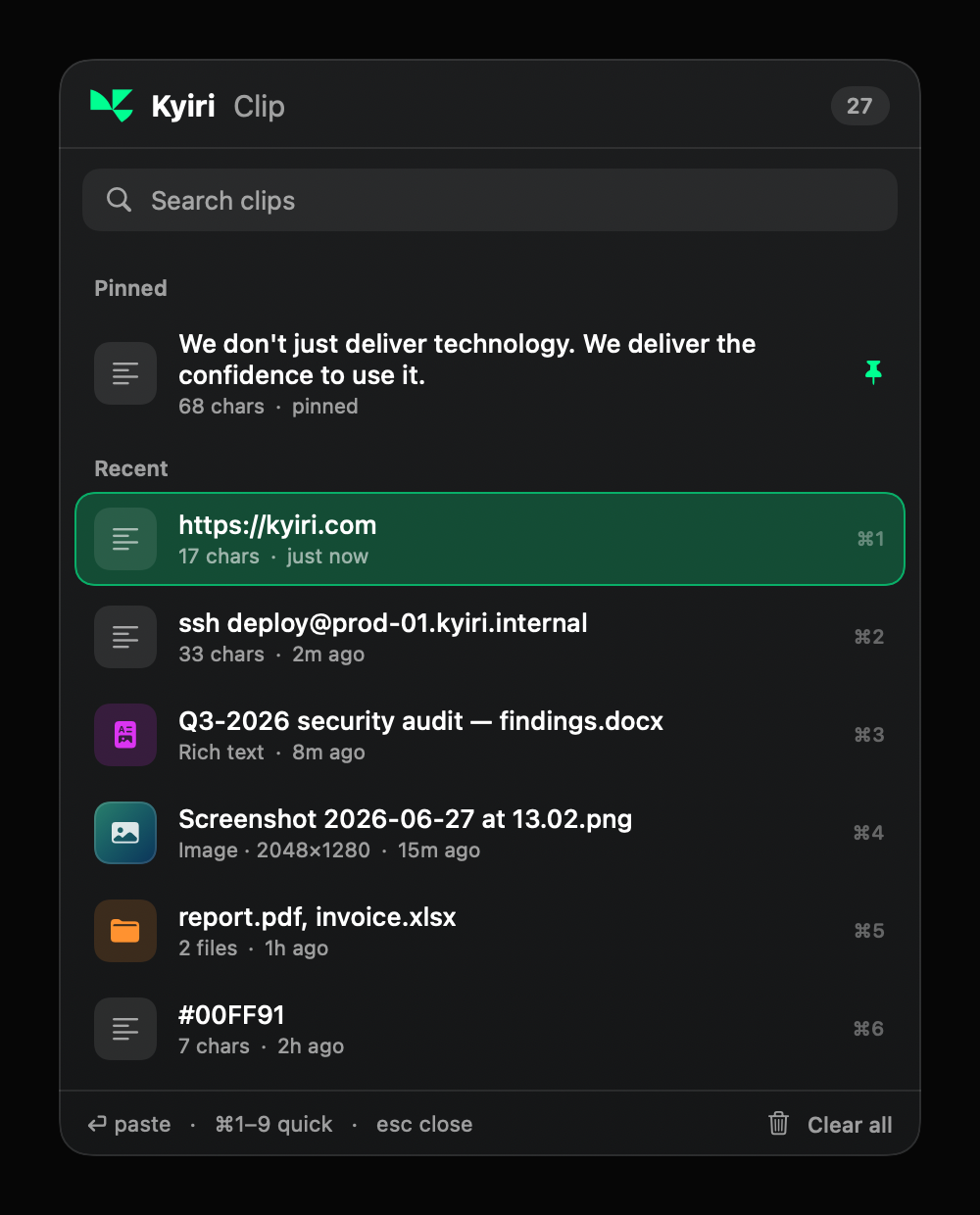
Everything you copy. One keystroke away.
Records everything
Text, rich text, images, and files, captured the moment you copy.
⇧⌘V anywhere
One global shortcut opens your history over any app.
Search as you type
Filter hundreds of clips instantly by their content.
Pin favourites
Keep the clips you reuse at the top, forever.
⌘1–9 quick paste
Grab the top nine items by number without aiming.
Auto-paste
Picks a clip and pastes it straight into the active app.
Launch at login
Starts with your Mac and waits quietly in the menu bar.
Stays on your Mac
No network code at all. Nothing is ever uploaded.
From copy to paste in one key.
Copy anything
Use ⌘C like always. Kyiri Clip files it away automatically.
Press ⇧⌘V
Your history appears right where you are, search already focused.
Pick and paste
Click, hit ⏎, or press ⌘1–9. It pastes into the app you were in.
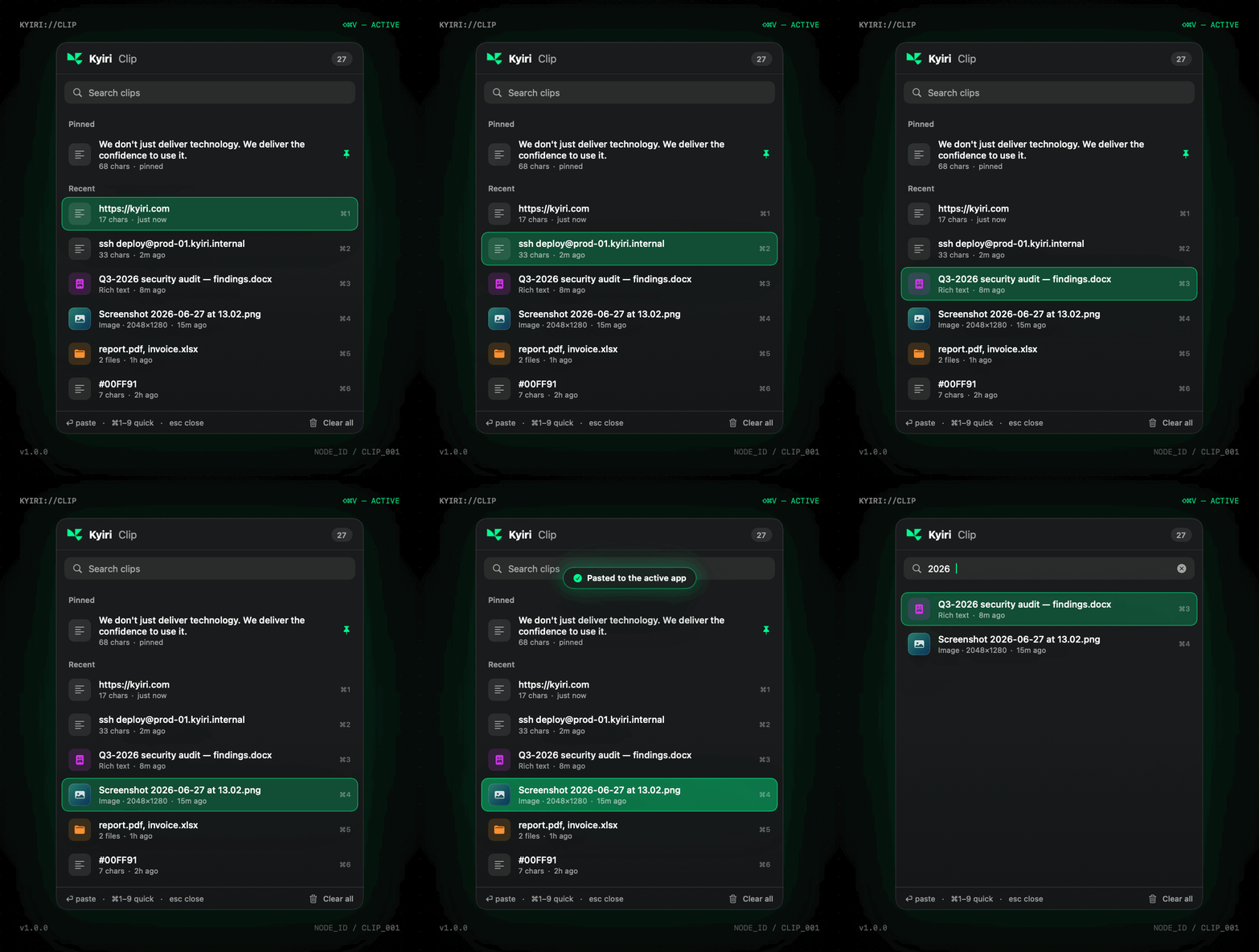
Real-time — navigate · paste · search
It never leaves your Mac.
There is no network code in the app. Your clipboard never touches a server, an account, or the cloud, because none of those exist here.
Everything is stored only for you. The history lives in your home folder with owner-only permissions and is kept out of Time Machine and iCloud backups.
It knows what not to keep. Password managers and other concealed copies are skipped, and the logs only ever record event types, never the content itself.
Get Kyiri Clip.
Homebrew
$brew install --cask kyiri/tap/kyiri-clipInstalls it and clears the macOS security flag for you, so it just opens.
Direct download
Download .dmg- 01Open the downloaded .dmg.
- 02Drag Kyiri Clip into Applications.
- 03First launch: System Settings → Privacy & Security → Open Anyway (signed, not Apple-notarized).
Power user
$xattr -dr com.apple.quarantine "/Applications/Kyiri Clip.app"First run: grant Accessibility (System Settings → Privacy & Security → Accessibility) to let it paste automatically. Without it, picking a clip still copies; just press ⌘V yourself.
Kyiri Clip — questions, answered.
Kyiri Clip is a native macOS clipboard history manager. It records every text, image, rich-text snippet, and file you copy and brings any of them back with a single keystroke (⇧⌘V). It runs as a quiet menu-bar app, supports search, pinning, and ⌘1–9 quick paste, and keeps everything entirely on your Mac.
Stop losing what you copy.
Free, native, and entirely on your Mac. Install it once and never hunt for a lost copy again.
$brew install --cask kyiri/tap/kyiri-clipExplore the rest of the Kyiri suite.
Huntrix
AI-native offensive security platform.
Explore HuntrixPhantom
Web application security testing platform.
Explore PhantomSpeakWise
Real-time AI interview and meeting assistant.
Explore SpeakWiseAPIDOC
API workspace — design, test, monitor, document.
Explore APIDOC